Confidencial Migrate

Move your data from A to B, safely.

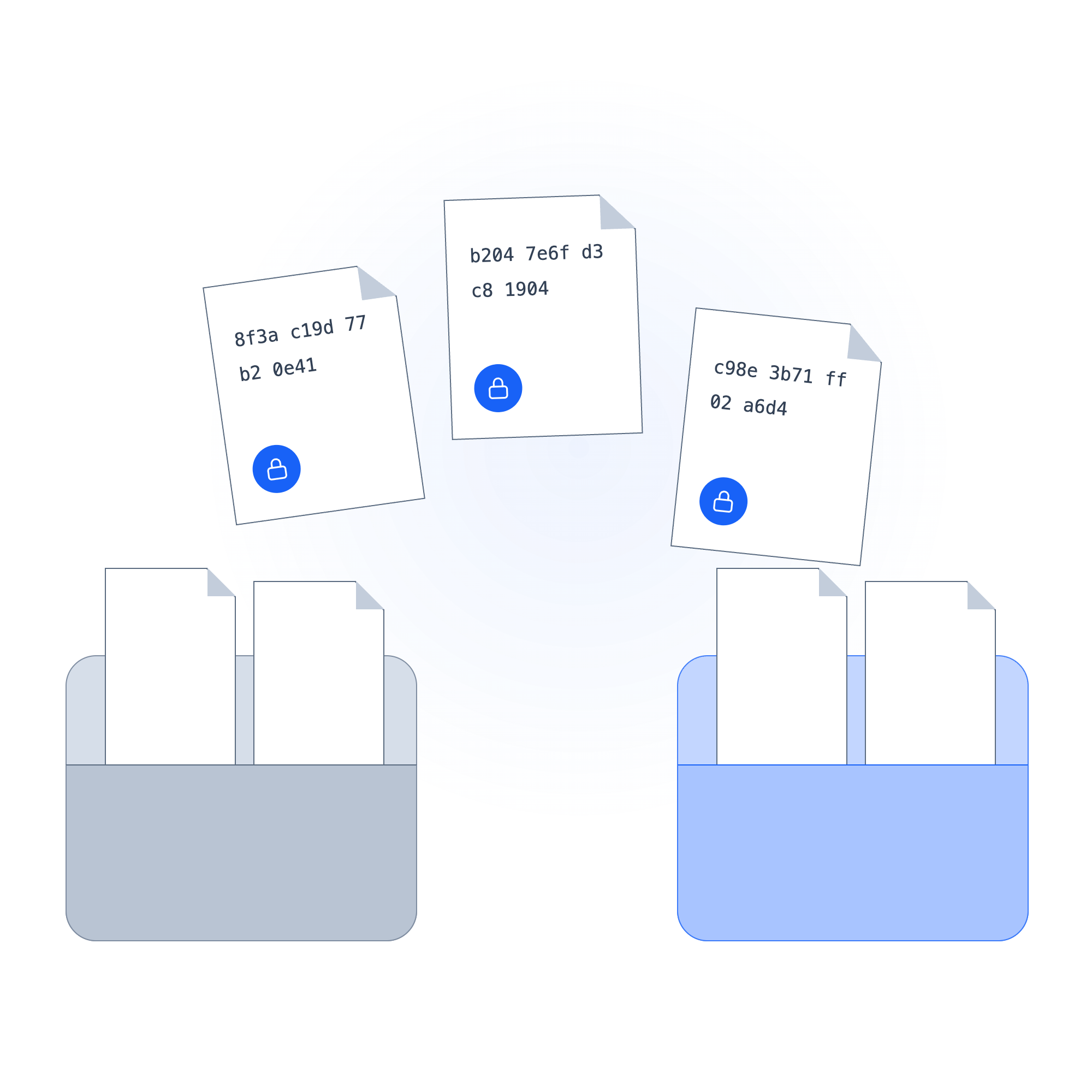
Migrate connects to your existing stores and encrypts files at the source before the transfer begins. Folder hierarchy preserved, policy attached to every file, revocable after delivery. No plaintext ever in transit.

Encrypts at sourceRevocable after deliveryOne-time or scheduled
Data Migration
See it work

Watch a transfer run end to end

Connect a source, set a destination, and watch files encrypt at the source and land protected. Hierarchy intact, policy attached, audit logged.

Confidencial Migrate — Interactive Demo
1
Configure transfer
2
Run transfer
3
Files protected
Where is your data?
📂
SharePoint
enterprise-data/legal/2024/
🗄️
Amazon S3
data-archive-prod/
📋
NetDocs
matters/2024-active/
🖥️
On-prem network drive
\\srv01\legal-share
Where is it going?
🗄️
Amazon S3
acme-secure-archive/legal-2024/
☁️
Azure Blob
secure-archive-prod/
📂
SharePoint
archive/legal-closed/
🔐
Confidencial Spaces
Project Meridian deal room
Select a source and destination to begin.
SharePoint · Source Plaintext
enterprise-data/legal/2024/
Acme_Corp_CIM_v4_FINAL.pdf PII · Financial
NDA_Acme_Harborview_Signed.docx PII
HR_Comp_Review_Q4_2024.xlsx Financial · PII
Vendor_Contracts_2024.zip PII
+ 843 more files
Encrypted
at source
S3 · Destination Encrypting
legal-2024/
Acme_Corp_CIM_v4_FINAL.pdf 14 entities
NDA_Acme_Harborview_Signed.docx 6 entities
HR_Comp_Review_Q4_2024.xlsx 214 entities
Vendor_Contracts_2024.zip 89 entities
Files transferred
0 / 847 · 0 plaintext in transit
847
Files transferred
2,341
Entities encrypted
0
Plaintext in transit
100%
Hierarchy preserved
Audit log · transfer-2026-06-19-001 Sealed · immutable
Transfer initialized · 847 files · 4.2 GB
09:41:02
Encryption started at source · SharePoint store
09:41:03
Acme_Corp_CIM_v4_FINAL.pdf · 14 entities encrypted · transferred
09:41:08
NDA_Acme_Harborview_Signed.docx · 6 entities encrypted · transferred
09:41:09
HR_Comp_Review_Q4_2024.xlsx · 214 entities encrypted · transferred
09:41:11
847 / 847 files complete · manifest embedded per file
09:43:19
Transfer complete · audit log sealed · immutable
09:43:19
Policy attached to every file · identity-bound · revocable at any time, any destination
Select where your data is coming from and where it's going.
The problem with data transfers

Moving files is the moment protection disappears.

Migration tools move files. They don't protect them. TLS covers the wire, but the file lands in plaintext, and whatever access control lived at the source doesn't travel with it.

UNPROTECTED TRANSFER

What a standard migration gives you

A copy-first, clean-up-later move. TLS protects the connection, but the file lands fully readable, and the access control from the source never follows.

01File lands in plaintext, readable by whoever reaches the destinationExposed
02Access control is folder-level and stays behind at the sourceLeft behind
03No file-level audit, proving what moved means reconstructing logsNo record
04Revoking after delivery means hoping you know who has the fileNo recall
WITH MIGRATE

Protection travels with the file

Files are encrypted inside the source store before the transfer begins.

Connect your source store
S3 · Azure · SharePoint · NetDocs · NTFS
Encrypt at source, attach policy
IDENTITY-BOUNDREVOCABLE
Lands protected at the destination
Hierarchy preserved · audit log per transfer
No plaintext in transit · revocable after delivery
How Migrate works

Source to destination, no plaintext window

Every transfer follows the same path. Connect once, run as needed, and every file arrives protected with a full chain of custody from source to destination.

1

Connect your sources

Point Migrate at S3, Azure Blob, OneDrive, SharePoint, NetDocs, Box, or on-prem NTFS and file shares. No infrastructure migration required.

2

Encrypt at the source

Files are protected inside the source store before anything moves. A misrouted batch or tapped network only ever sees ciphertext.

3

Transfer with policy attached

Identity-level control on every file, not folder-level. Policy travels to the destination and is revocable after delivery.

4

Land and run again

Decrypt on arrival or keep files locked. Your choice per transfer. Run once or on a recurring schedule, hourly to monthly, with an immutable audit log every run.

Your sources
Cloud stores · S3, Azure, GCP
Document stores · SharePoint, NetDocs, Box
On-prem · NTFS & network file shares
Migrate
Encrypted transfer
ENCRYPT AT SOURCEPRESERVE HIERARCHYAUDIT · REVOKE
The destination
Protected, in place
Existing store, partner env, or Spaces
Audit log per transfer
Processing manifest embedded
One-time or scheduled
Hourly to monthly, per transfer
Capabilities

What sets Migrate apart

Protection applied before movement, not after arrival. One run or a standing schedule.

Control after delivery

Revocable after it lands

Policy is identity-bound and revocable at any time, even after the file has landed in an environment you don't control.

Zero exposure

Encrypted before it moves

Encryption happens inside the source store. A misrouted batch or tapped network only ever sees ciphertext.

Land into a room

Into Spaces, not just a folder

Drop a transfer into a Confidencial Spaces environment and the destination becomes a controlled workspace.

Structure intact

Hierarchy preserved, every run

The destination mirrors source structure exactly - every folder, every file. Nothing flattened, nothing renamed.

Per file, not per folder

Identity-level control

Policy attaches at the file level. Access is bound to named identities and stays enforceable wherever the file ends up.

One pass or standing

Migration or scheduled sync

Migrations, consolidations, and recurring partner syncs from one control plane. Cadence set per transfer, hourly to monthly.

Where Migrate shows up

The moments where a plaintext window has a price

Four situations where files move between environments with no protection at the moment of transfer.

Cloud or repository migration

Your migration window is a plaintext window.

Files copy in bulk, in plaintext. One misconfiguration and everything is readable.

With Migrate

Files encrypt inside the source store before anything moves. No plaintext ever in transit.

Secure partner & vendor handoff

Sensitive files must reach an external party — in an environment you don't control once they land.

Once it's in their environment, folder-level access can't tell you who has it or what they did with it.

With Migrate

Policy travels with every file. Access is identity-bound and revocable at any time, even after delivery.

M&A & deal-room provisioning

When the bid collapses, the files don't come back.

Broad access is the default. Revoking it after the fact is manual, slow, and incomplete.

With Migrate

Per-party policies pre-applied. Revoke any file the moment the deal dies.

Regulatory submission & archive

Manual transfers don't produce a chain of custody.

Regulatory submissions require evidence of what moved, when, and in what state. Manual transfers don't produce that record.

With Migrate

Every file carries an embedded manifest. The audit log builds itself as the transfer runs.

Questions about Migrate

What security teams ask us first

How is this different from encrypting the file at the destination?

Destination-side encryption protects data at rest once it arrives, but leaves a plaintext window during transfer. Migrate encrypts inside the source store before transfer begins. The file that moves is already ciphertext.

Do we need to migrate our infrastructure to use Migrate?

No. Migrate connects to your existing stores directly. S3, Azure Blob, SharePoint, NetDocs, Box, on-prem NTFS all connect without changes. Migrate adds an encryption and policy layer on top of what you already run.

What happens if the destination is breached after the transfer?

Files land encrypted, with policy attached. If the destination is breached, whoever gets the files encounters ciphertext. Access is identity-bound — you can revoke access to any file, at any time, regardless of where it landed.

How is Migrate different from Pipeline?

Pipeline sits inline inside a live application workflow. Migrate handles point-to-point transfers: bulk migrations, scheduled syncs, one-time moves from stores with no application API in the path.

Can we run Migrate on a recurring schedule without manual intervention?

Yes. Migrate supports one-time runs and scheduled syncs. Cadence is set per transfer, from hourly to monthly, with an immutable audit log every run.

Who controls the encryption keys?

You do. Confidencial never sees plaintext. Keys are managed in your environment using your existing KMS, or Migrate's built-in key server. Revoking access is a policy change, not a re-encryption job.

Get started

Stop moving files before they're protected

Migrate connects to your existing stores and runs a protected transfer the same day. No infrastructure changes, no plaintext in transit, full audit trail from source to destination.